
View your Organization's usage of SignGlasses
Edited
In SignGlasses, you can track and generate a report of your usage of our services using our Reports Page.
You can pull up reporting for both past and future sessions that you have scheduled with SignGlasses!
The Reports Page
Log into your SignGlasses account
Select the Reports page on the left-hand side of your screen
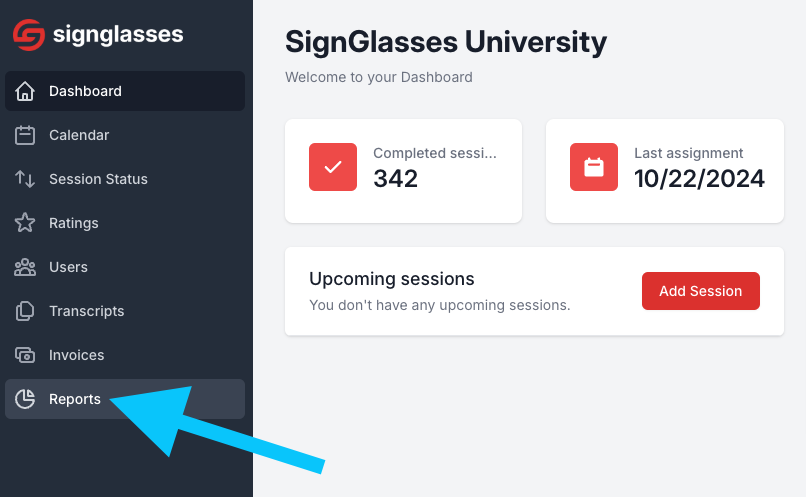
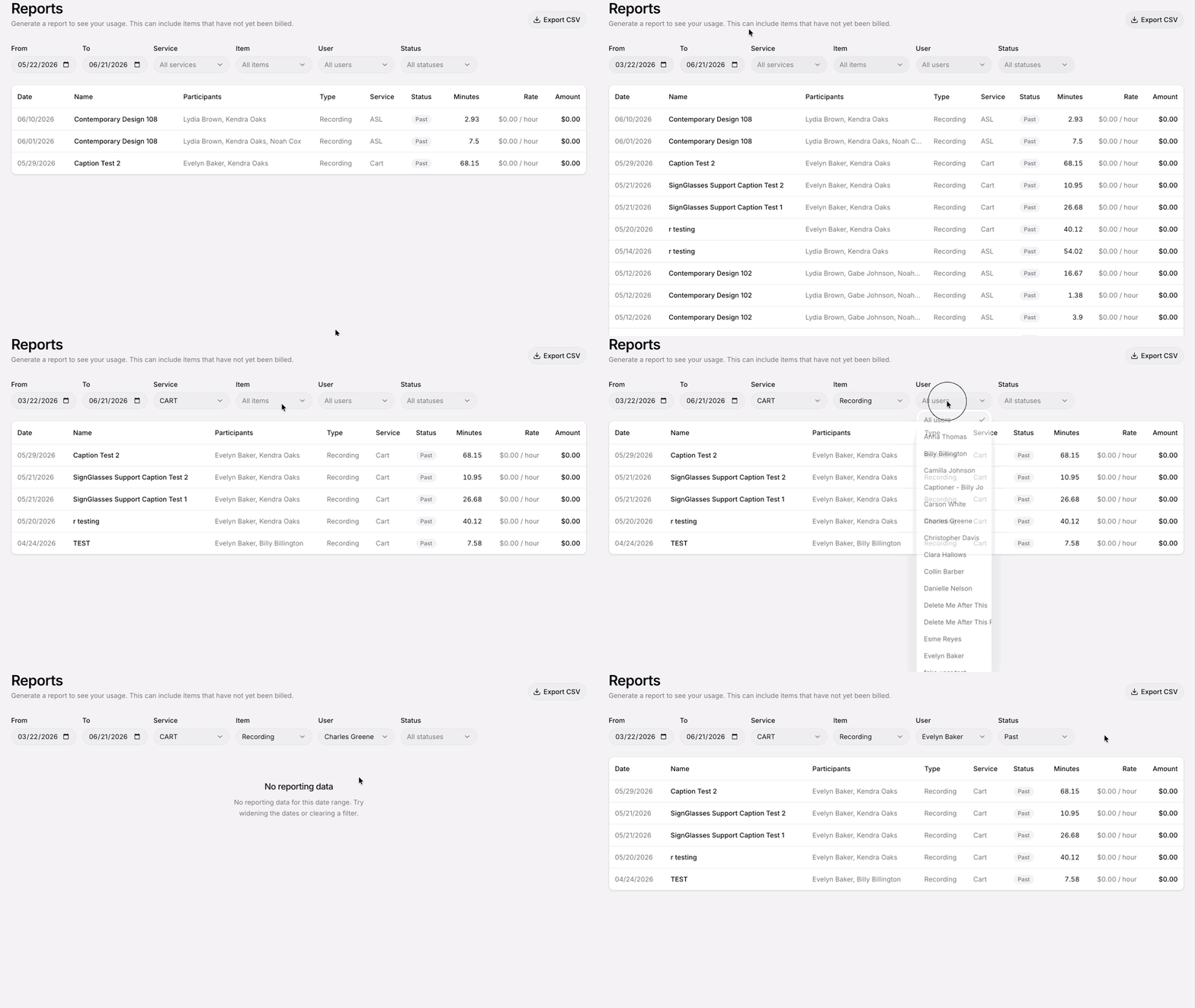
On this page, you can see your organization’s usage of SignGlasses, along with the cost associated with each instance. You can filter these reports by:
Date
Service Type (ASL, CART, TypeWell, or Travel)
Item (Recording or Interpreting Session)
User
Status (Past, Cancelled, etc.)
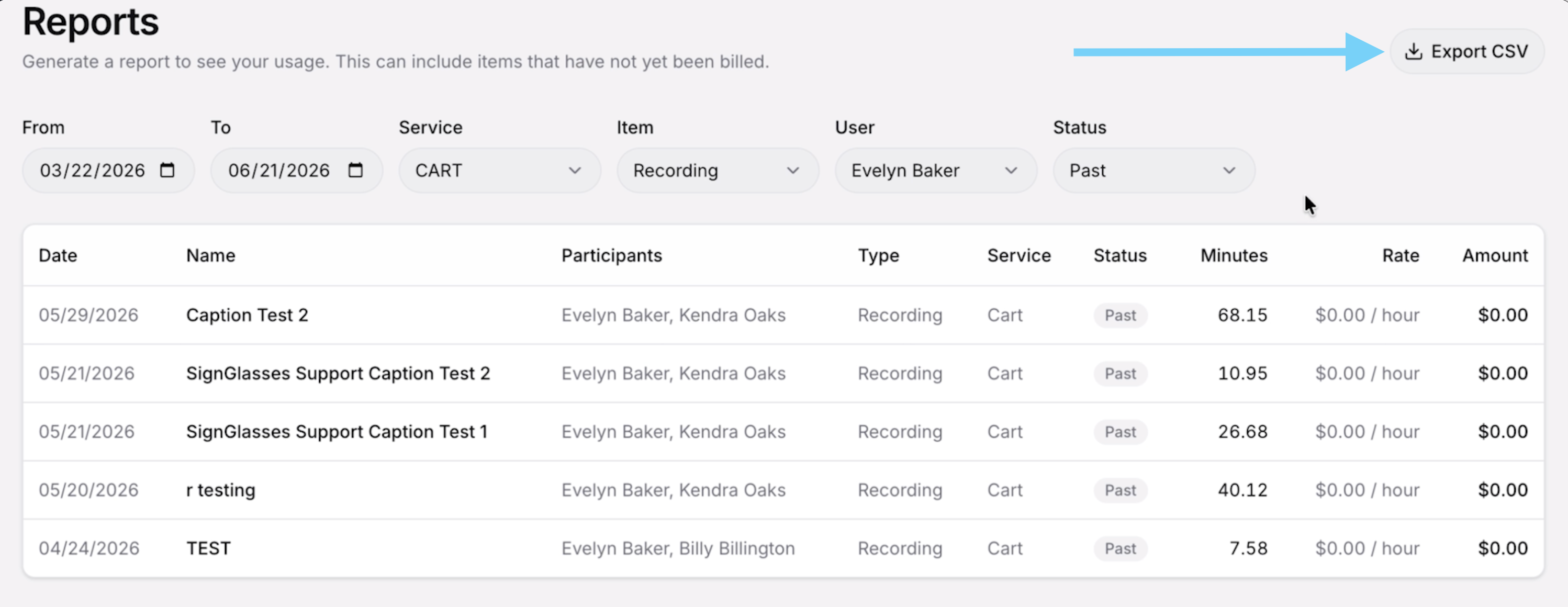
After filtering the information to meet your specific needs, you can easily export the data by clicking the [Export CSV] button located at the top-right corner of the screen.
Was this article helpful?
Sorry about that! Care to tell us more?