
Reset your password
Edited
Unable to log in to your SignGlasses account? Resetting your password is a breeze!
Go to the Log In Page
Go to the SignGlasses website - signglasses.com
Click Sign In at the top-right of your screen
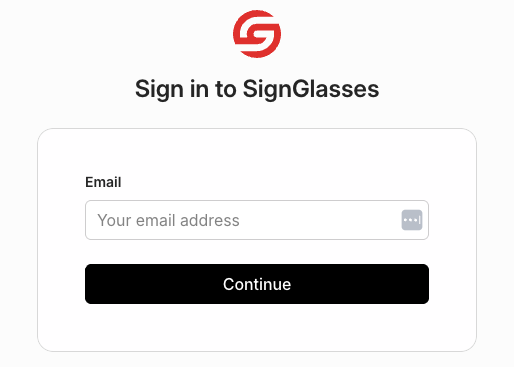
Enter in your email address and click Continue
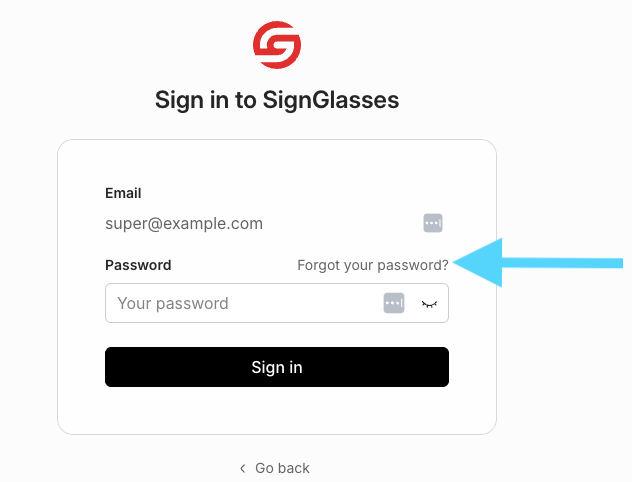
Click the gray Forgot your password? text
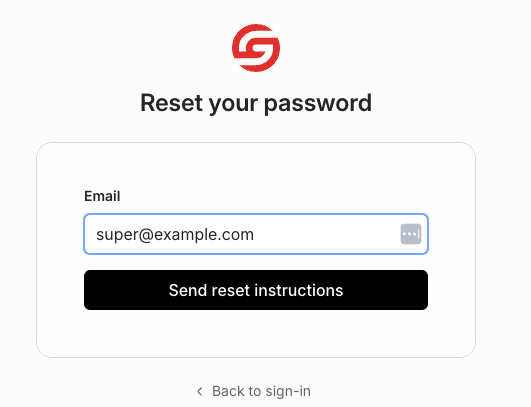
Click the [Send reset instructions] button
Now check your email. You should see an email from us that will walk you through resetting your password.
If you don't see the email, check your spam folder
Having trouble resetting your password? Reach out to us at techsupport@signglasses.com.
Was this article helpful?
Sorry about that! Care to tell us more?